How-to: redirecting naked domains on Wix
Do you want to redirect your naked domain on Wix? This tutorial will guide you through the necessary steps to redirect your naked domain. Let's go:
Step 01: Check if your www domain is pointing to Wix
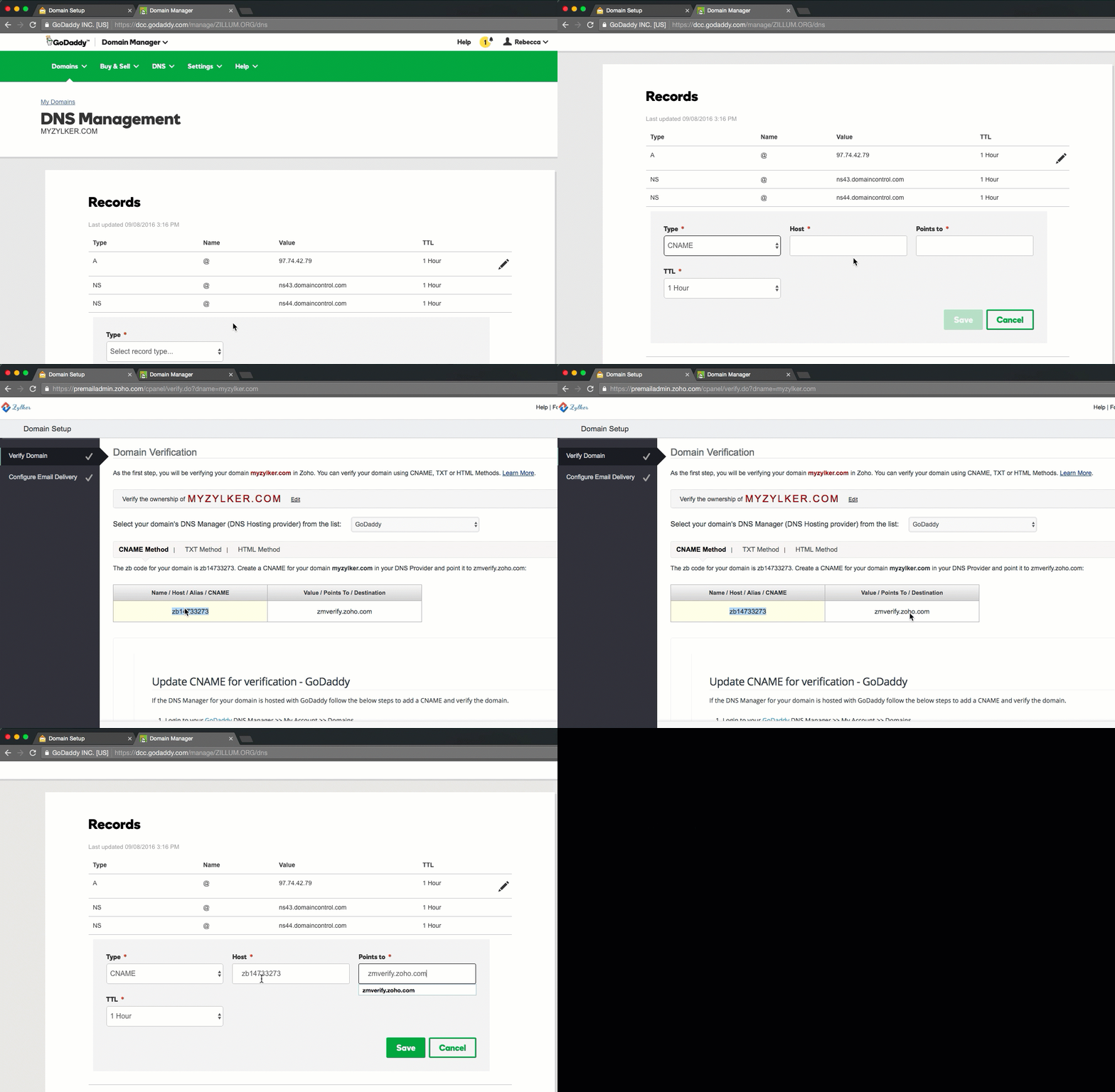
You need to make sure that your www domain is set up correctly and pointing to Wix. If you have your domain on Wix, go to the "My domains page", click the "Advanced" tab and then "Edit DNS". Is it already pointing to Wix? Great, then it is time to move on to step 02. If it is not yet set to redirect to Wix, you should edit or create a new CNAME record doing exactly that. After that, you are ready to move on to step 02. In case you have bought your domain somewhere else, please go directly to your domain provider and ensure there is a CNAME Record for your www domain.
Step 02: Redirect your naked domain
The following steps are not hard to do, but quite time consuming. We developed NakedSSL to make this process easier for you. In the box below you can check if we can redirect your naked domain for you:
Test your domain now
You need to have a certificate for domain.com to ensure that redirecting from https://domain.com to https://www.domain.com will work, as the browser has to establish the SSL connection (https is http inside SSL) before the redirect. Therefore, you need to have a valid SSL certificate for both your www and naked domains. You can get that certificate from all major SSL certificate providers. Once you have acquired your SSL certificates, you need to install them on your server. This can be a little intimating, so here are two ways and some code snippets to help you out
1. Use an if-condition in your Nginx configuration:
server {
listen 443;
server_name domain.com;
if ($host = domain.com) {
rewrite ^(.*) https://www.domain.com:443$request_uri? permanent;
}
}
2. Use this configuration to create a 301 redirect for your apex domain:
server {
listen 80;
listen [::]:80;
server_name example.com www.example.com;
return 301 https://www.example.com$request_uri;
}
server {
listen 443 ssl http2;
listen [::]:443 ssl http2;
server_name example.com;
return 301 https://www.example.com$request_uri;
}
server {
listen 443 ssl http2;
listen [::]:443 ssl http2;
server_name www.example.com;
====>>> Your site configuration goes here <<======
}
If that process seems a little complicated, don't worry — we gotcha. NakedSSL will guide you through the process in three easy steps, we take care of all the technical work: